This guide walks you through the process to create a new user account in the SmartIRB Reliance System
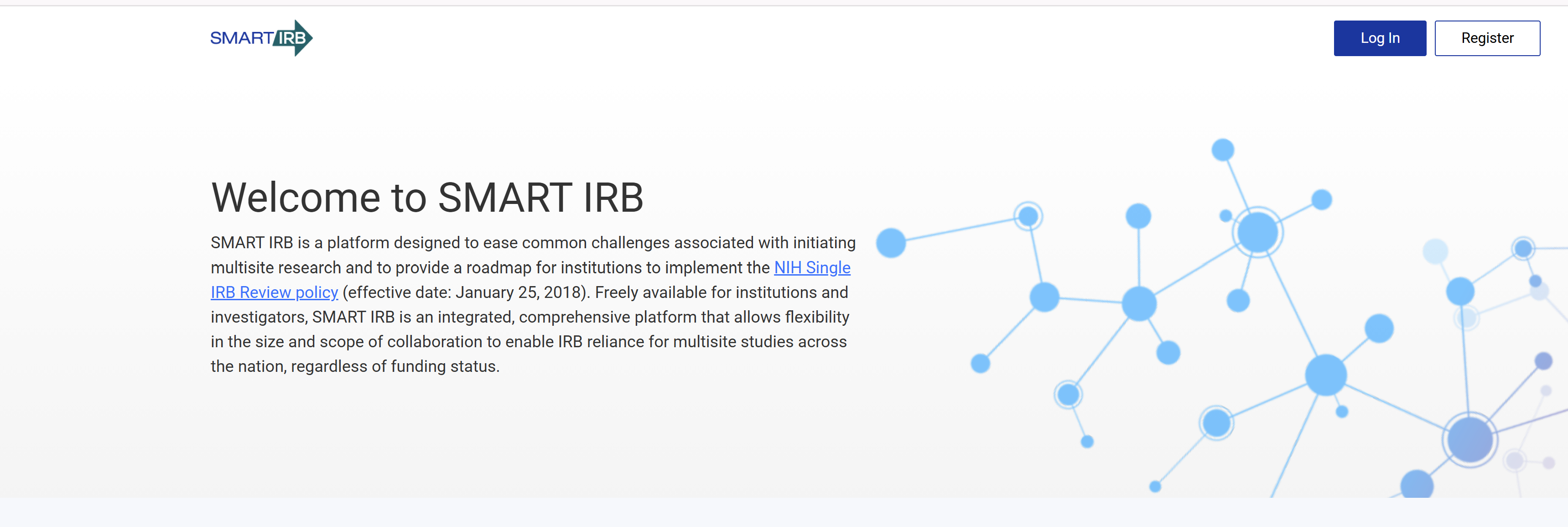
Step 1 – Navigate to the Reliance System and click the Register button
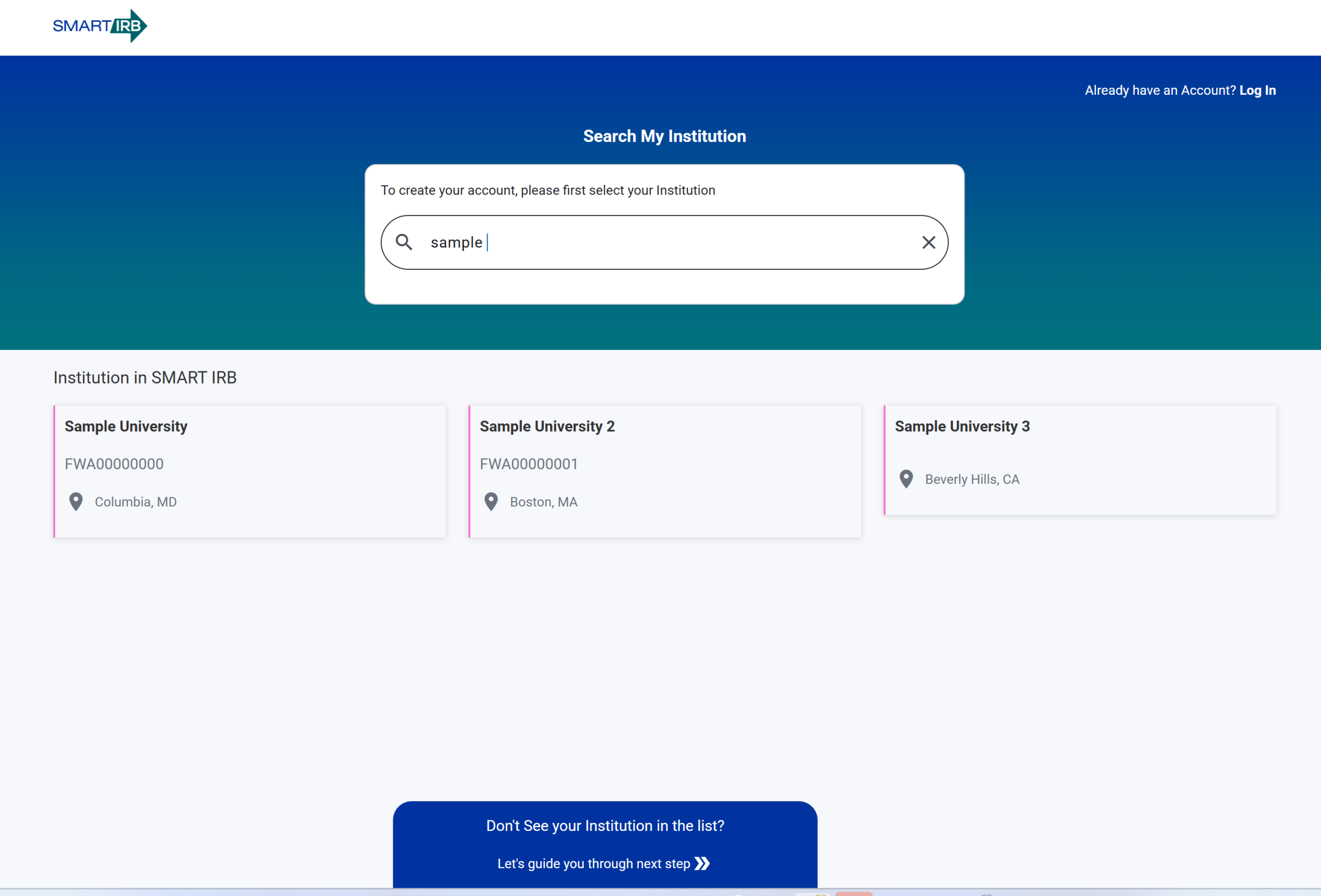
Step 2 — Search for your institution and select it from the results
Step 3 — Select your Sign Up method
You may create an account in the Reliance System using one of three methods:
Login.gov This option should be used if Research Organization and NIH are not available options. Please create an account to use for logging into the system.
InCommon Federation This option may only be utilized if a user’s institution is a member of the InCommon Federation network. To check if your institution is listed, you may click here and search for the institution in the top box.
NIH This option can be used by NIH staff members with NIH login credentials.
For more information on which method to choose when creating your account click here.
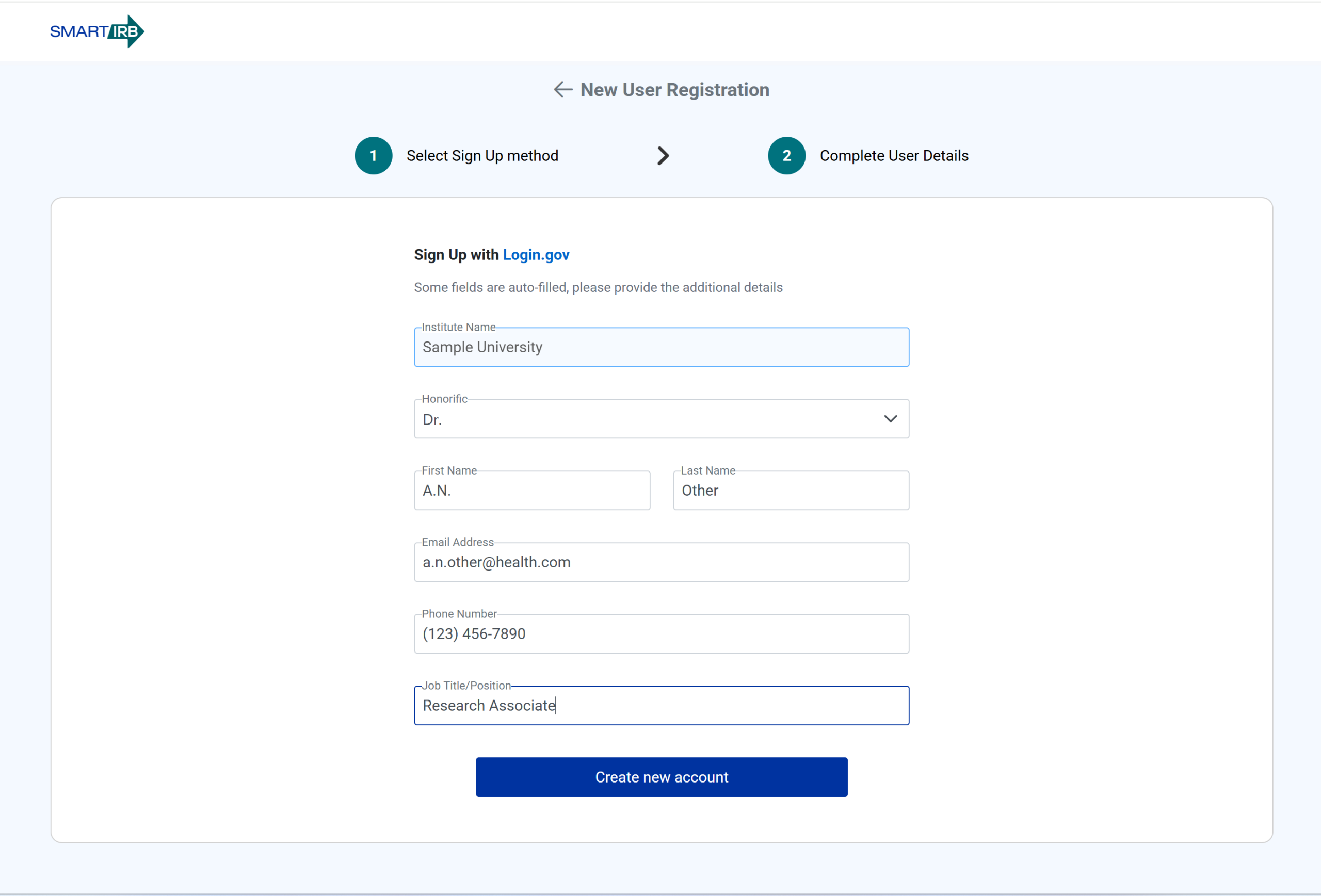
Step 4 — Enter your user registration details
Step 5 — Select Create new account
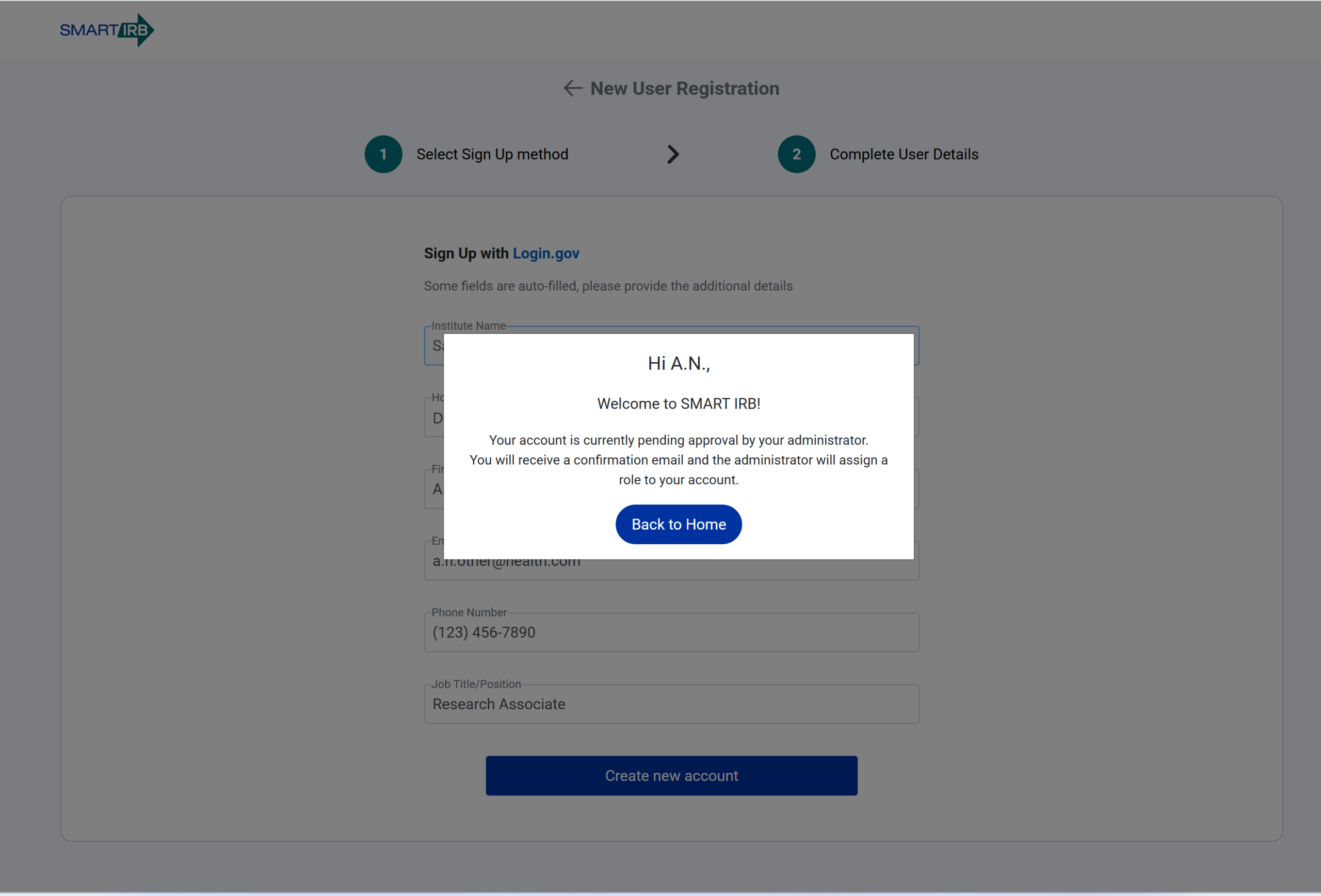
A confirmation email will be sent to let you know that you have successfully registered.